SimplyTodo · iPhone
Make an offline grocery checklist without signing up
Milk is easy to remember when you’re looking into the fridge. It’s easier to forget in the store. Put each item on its own line in SimplyTodo and you can check it off on the same phone, even in an aisle with no signal.
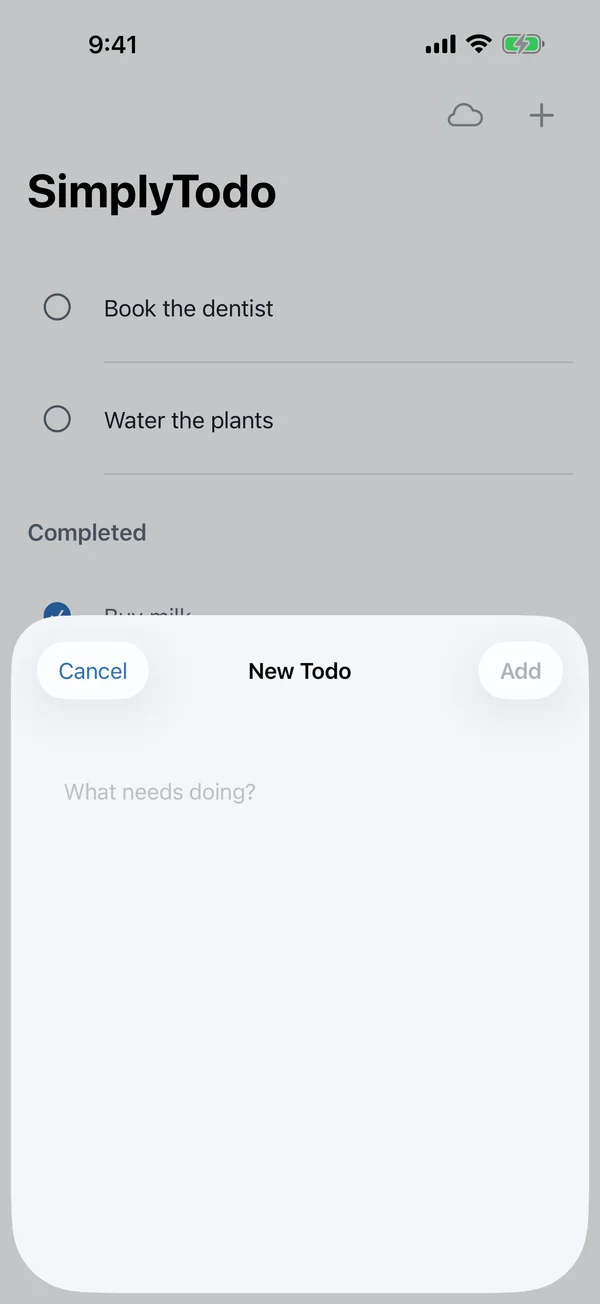
Write three lines at the fridge
Open SimplyTodo and tap +. Type “Milk, 1 litre” and tap “Add”. Repeat for “6 eggs” and “Bananas”. Putting all three on one line would leave you with one checkbox for three different aisles. You can start without an account or a due date.
Check the item as it goes in the cart
Once the milk is in your cart, tap the circle beside it. The milk moves down to “Completed”, leaving eggs and bananas at the top. The list is stored on your device, so it still works in the basement grocery aisle.

Take one last look at checkout
Look at what’s still at the top. If bananas are sold out, leave them unchecked for your next trip. Checked the milk by mistake? Tap it again under “Completed” the same day to put it back. Items left checked clear from the list the next day.