 Photoff
Clean up your camera roll a few photos at a time
Start with recent screenshots and blurry photos. Swipe to keep or set a photo aside for deletion, then review your picks together before anything is removed.
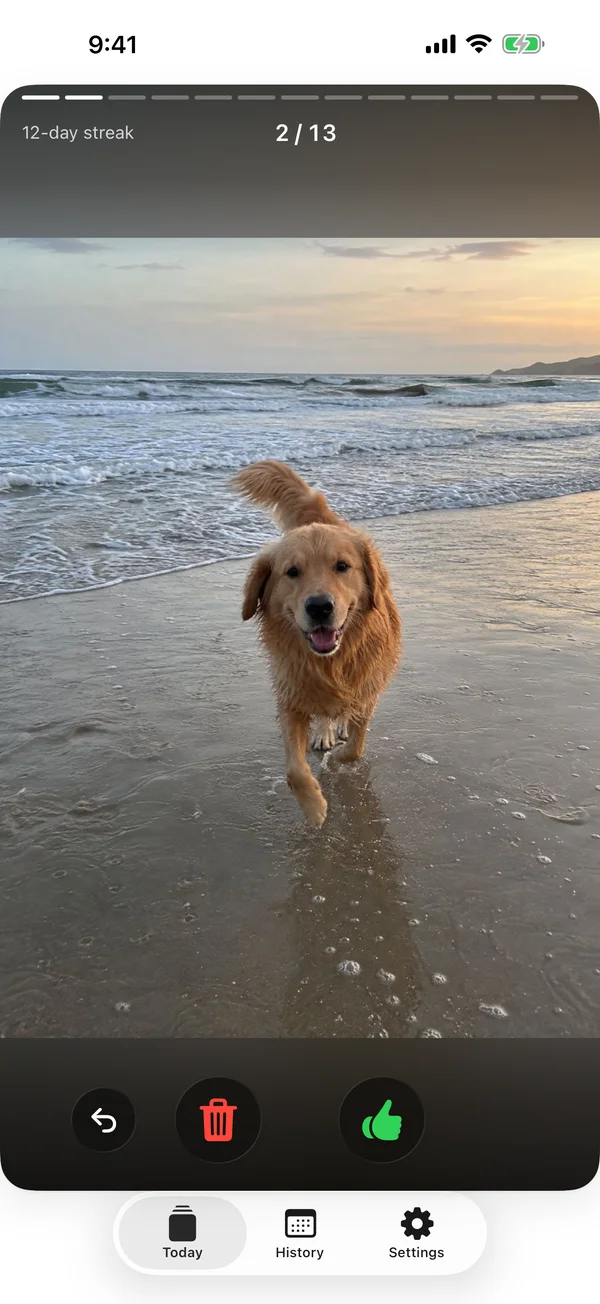
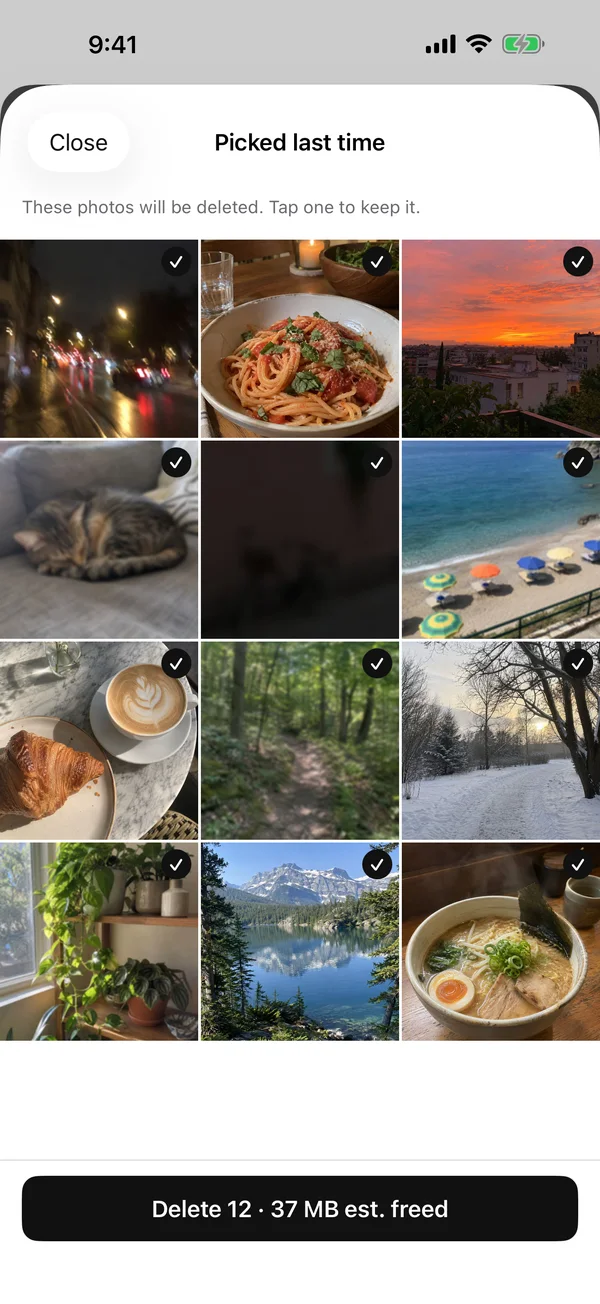
You confirm every delete
Nothing is deleted while you swipe. When the goal is done, and after each round that follows, iOS asks you once to confirm the whole batch. Deleted photos stay in Recently Deleted in the Photos app for 30 days. With iCloud Photos, a delete removes the photo from all your devices. If you use a Shared Library, deleting a shared photo removes it for everyone in it.
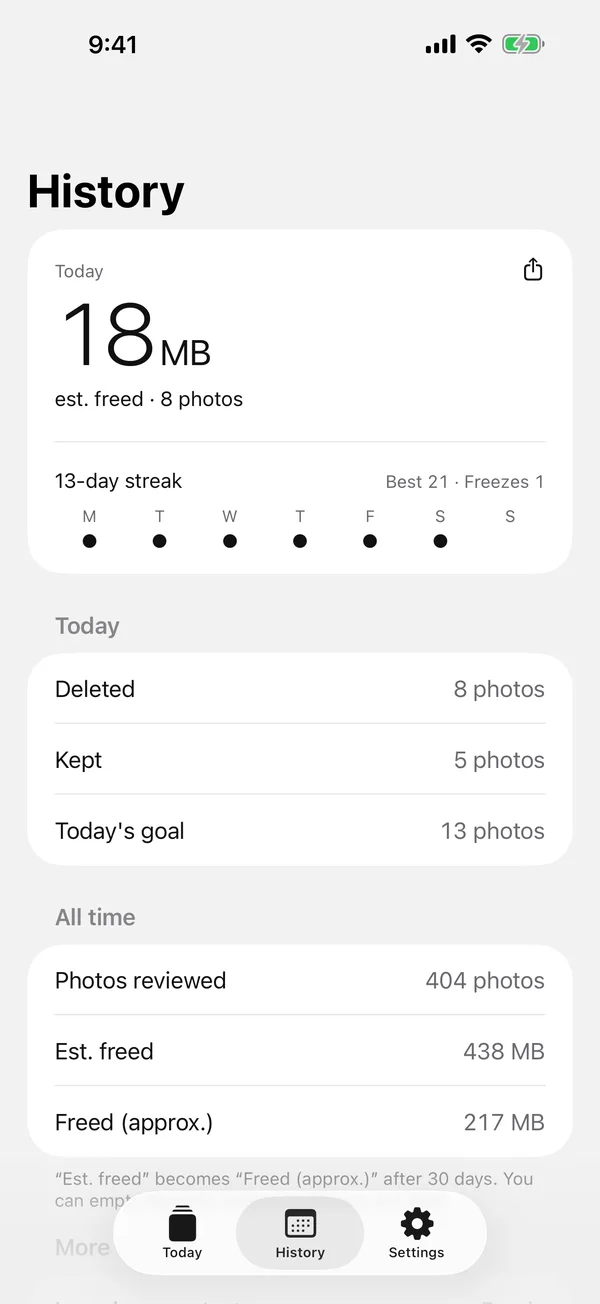
See it add up
History shows your streak, today's estimated space freed and your totals. Share a day's result as a card. None of your photos are on it. Home Screen and Lock Screen widgets show what is left today, and a reminder comes each day at the time you pick.
Or pick what to clean
The Library tab lists Recent, Random, Similar photos, Screenshots, Blurry photos and Extra burst shots, then your albums and months. Tap one to swipe through just those photos, free. Only the daily goal counts toward your streak.
Photoff Pro
Deep clean clears older photos one category at a time: old screenshots, extra burst shots, blurry photos or similar photos. After enough of your decisions, Photoff Pro also finds photos like the ones you have deleted and gathers them in one place. Either way, you look them over in a grid before anything is deleted. Photoff Pro comes monthly or yearly, or as Lifetime, a one-time purchase. The daily goal, the rounds after it and the Library tab are free.